

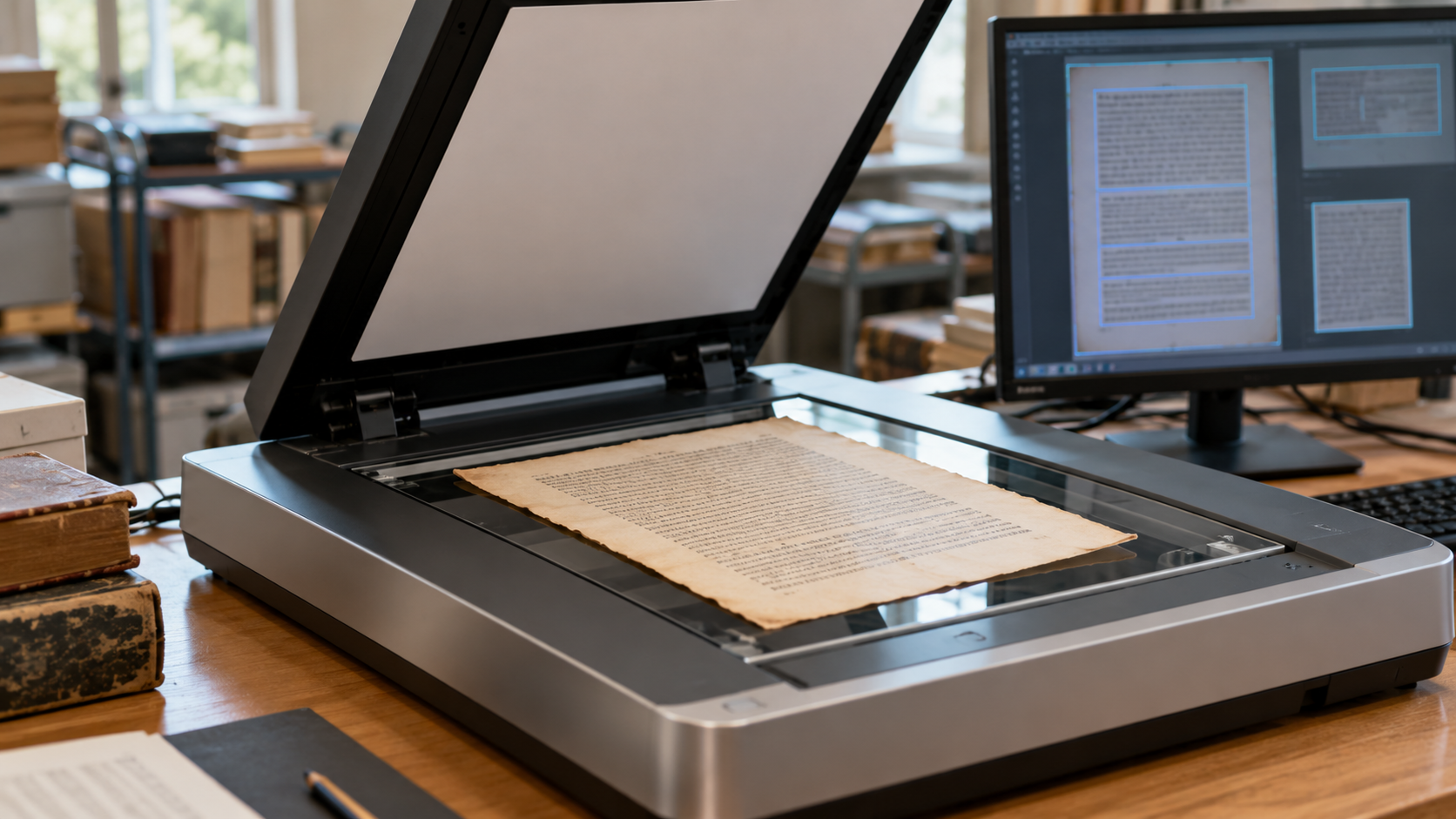
Optical Character Recognition Explainer
Optical character recognition, usually called OCR, turns an image of writing into computer-readable text. A scanner or camera begins with pixels: a photographed sign, a receipt, or a page in a book is only a pattern of light and dark areas until software interprets it. OCR estimates which marks represent letters, numbers, punctuation, and spaces, then returns text that can be searched, copied, indexed, translated, or read aloud. The result is useful, but it is an interpretation of an image rather than a perfect recovery of the original document.
The process usually starts by preparing the image. Software may straighten a tilted page, detect its orientation, reduce noise, correct uneven lighting, and separate the page from its background. It also tries to find the page’s structure: columns, headings, paragraphs, tables, captions, and individual lines. This layout step matters because reading a newspaper as one long line, for example, would scramble the order of its text. A clear scan with high contrast gives the recognizer much better evidence than a dim, skewed photograph with shadows across it.
Next, a recognition model looks for patterns that resemble written language. Older systems often divided a line into candidate characters before classifying each one. Modern systems can analyze larger portions of a line or page at once, which helps them use context when a single mark is ambiguous. A shape might be read as an O, a zero, or a capital D depending on the nearby marks and the expected language. The software then assembles its predictions into words and stores information about where those words appeared in the image.
Document OCR and scene-text OCR solve related but different problems. A scanned report normally has straight lines, consistent type, and a controlled background. A street sign or product package may be angled, partly hidden, reflective, curved, or surrounded by other objects. Handwriting adds another challenge because letterforms vary from writer to writer. Some systems can identify a page, block, paragraph, word, and symbol separately, while others are tuned for short snippets such as a serial number or a sign. The right approach depends on what the image contains and what the user needs to retrieve.
Recognized text becomes especially valuable when it is paired with its location. An archive can make thousands of page images searchable without replacing the original scans. A mailroom can route documents by finding selected fields. Accessibility tools can provide a spoken version of text embedded in an image. But the coordinate data and any confidence estimate should not be mistaken for proof that every word is correct. When a document affects a legal, financial, historical, or safety decision, the image itself remains the source to check.
OCR errors often come from low resolution, unusual fonts, faded ink, torn paper, cramped tables, handwriting, or a language model that does not fit the document. A page with two columns may be recognized in the wrong reading order; a decimal point or minus sign can disappear; similar-looking characters can be swapped. Review workflows therefore focus attention on uncertain passages instead of treating all output equally. Better scans, a language-appropriate model, and a human check for important fields can make a substantial difference.
At its core, OCR is a bridge between visual documents and digital information. It does not make a photograph stop being a photograph, and it cannot guarantee that an imperfect original has been read flawlessly. What it does provide is a practical way to locate, organize, and reuse text that would otherwise remain locked inside pixels. That is why OCR sits behind searchable archives, document intake systems, assistive tools, and many everyday scan-to-text features.
Optical character recognition, or OCR, turns visible letters in an image or scanned page into machine-readable text. It is used to search documents, digitize records, and extract information from photos.
Software first locates text-like regions, then separates lines, words, or symbols and compares their shapes using recognition models. Modern systems also use language patterns to choose between visually similar characters.
Blur, poor lighting, unusual fonts, handwriting, low resolution, and complex page layouts can confuse the system. Review is still important when the result affects names, numbers, legal records, or other critical details.
Explore more "Explainers"
Discover additional explainers across politics, science, business, technology, and other fields. Each explainer breaks down a complex idea into clear, everyday language—helping you better understand how major concepts, systems, and debates shape the world around us.