

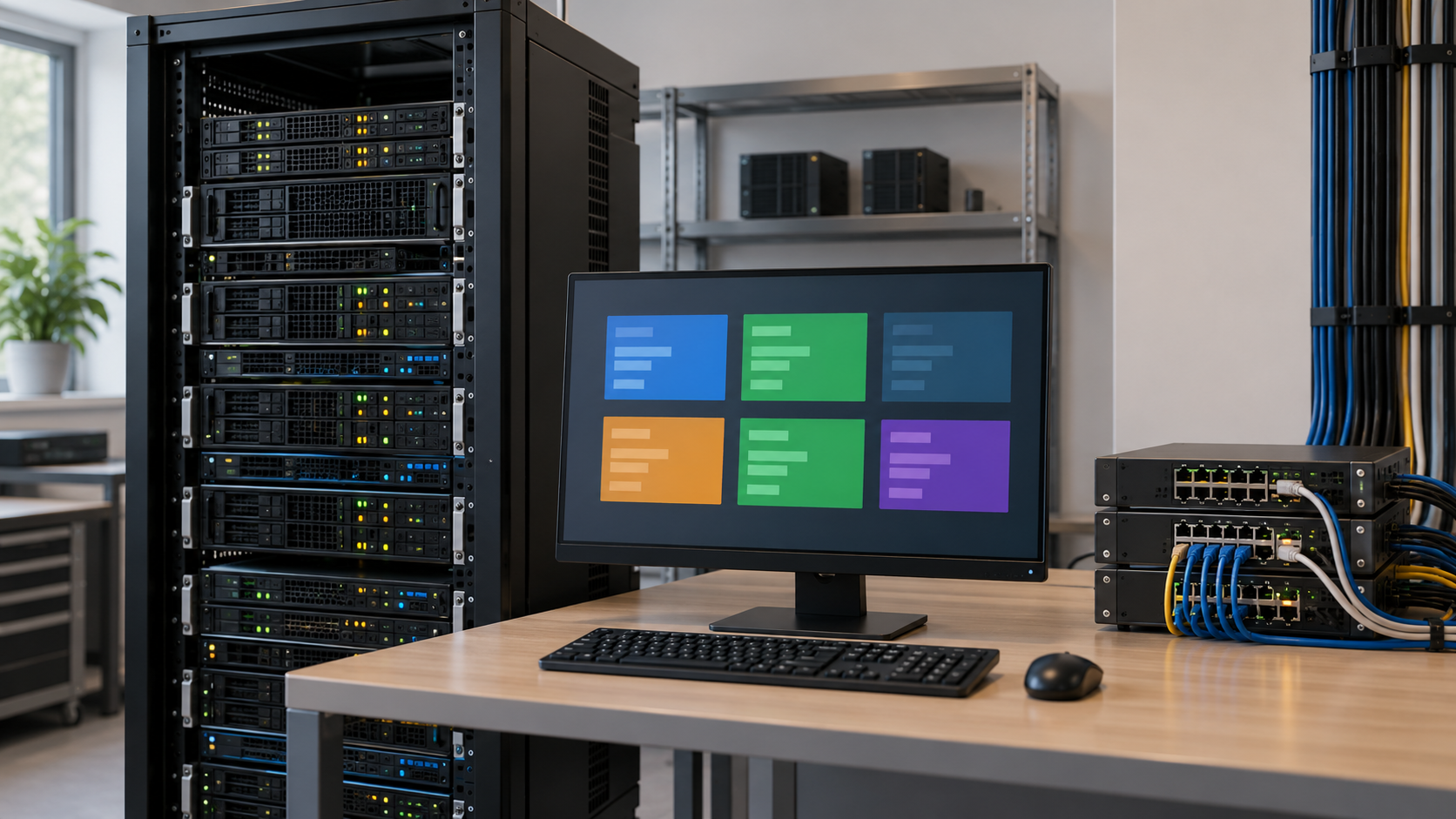
Virtualization Explainer
Virtualization lets one physical computer behave as though it were several separate computers. A special layer of software, often called a hypervisor, divides a machine’s processor time, memory, storage, and network connections into virtual resources. Each virtual machine can run its own operating system and applications, even though the machines are all using the same underlying hardware.
Without virtualization, an organization might dedicate one physical server to each application. That can leave much of a server’s capacity unused, because many services are busy only at certain times. Virtualization allows several workloads to share one larger machine while the hypervisor keeps their memory and processing environments separated. An administrator can decide how much memory, storage, and processor capacity each virtual machine receives and change those allocations when needs change.
A virtual machine looks much like an ordinary computer from the inside. It can boot an operating system, keep its own files, install applications, and communicate through a virtual network adapter. The guest operating system does not normally need to know the exact physical hardware below it. The hypervisor presents standardized virtual devices, then maps their requests to the real processor, disks, network cards, and other equipment on the host.
Virtualization is useful when systems need different operating systems or conflicting software versions. A company might run an older business application in one virtual machine while a newer service runs beside it on the same host. Development teams can create a test machine, take a snapshot before a risky change, and restore it if the test goes badly. Data centers can also move a running virtual machine between compatible hosts for maintenance, although the details depend on the platform and storage design.
Isolation is important, but it is not automatic perfection. The hypervisor, guest systems, management tools, and network settings all need security updates and careful access controls. A misconfigured virtual network or shared storage system can still expose information. Workloads also compete for physical resources. If too many virtual machines demand processor time, memory, or disk activity at once, they can slow one another down even when each was assigned an appropriate share on paper.
Virtualization also makes recovery plans more flexible. A virtual machine is usually described by files and configuration data, so backups can capture a complete workload rather than only its application files. Those backups still need testing, enough storage, and a plan for restoring dependent databases or network settings. A copied virtual machine is not useful if it cannot reach the services it needs or if its records are too old.
The key idea is abstraction: software creates a useful version of computing hardware that can be allocated and managed independently. Virtualization helps organizations use servers more efficiently, separate workloads, and create repeatable environments. It remains a careful engineering task because the shared physical foundation, security controls, and recovery processes still determine how reliable the virtual machines will be.
Virtualization uses software to divide one physical machine into multiple virtual machines. A hypervisor manages access to the host hardware. Each guest operating system runs within its own virtual machine and sees virtual versions of storage, memory, and network devices.
Virtual machines can keep different applications or operating systems separate while sharing one server. They make it easier to allocate resources, create repeatable test environments, move workloads for maintenance, and recover a complete system from a tested backup.
Virtual machines still share real processor, memory, storage, and network capacity. Poor resource planning, insecure management controls, missing updates, or untested recovery can affect many workloads on the same host. The abstraction helps, but it does not remove the underlying responsibilities.
Explore more "Explainers"
Discover additional explainers across politics, science, business, technology, and other fields. Each explainer breaks down a complex idea into clear, everyday language—helping you better understand how major concepts, systems, and debates shape the world around us.