

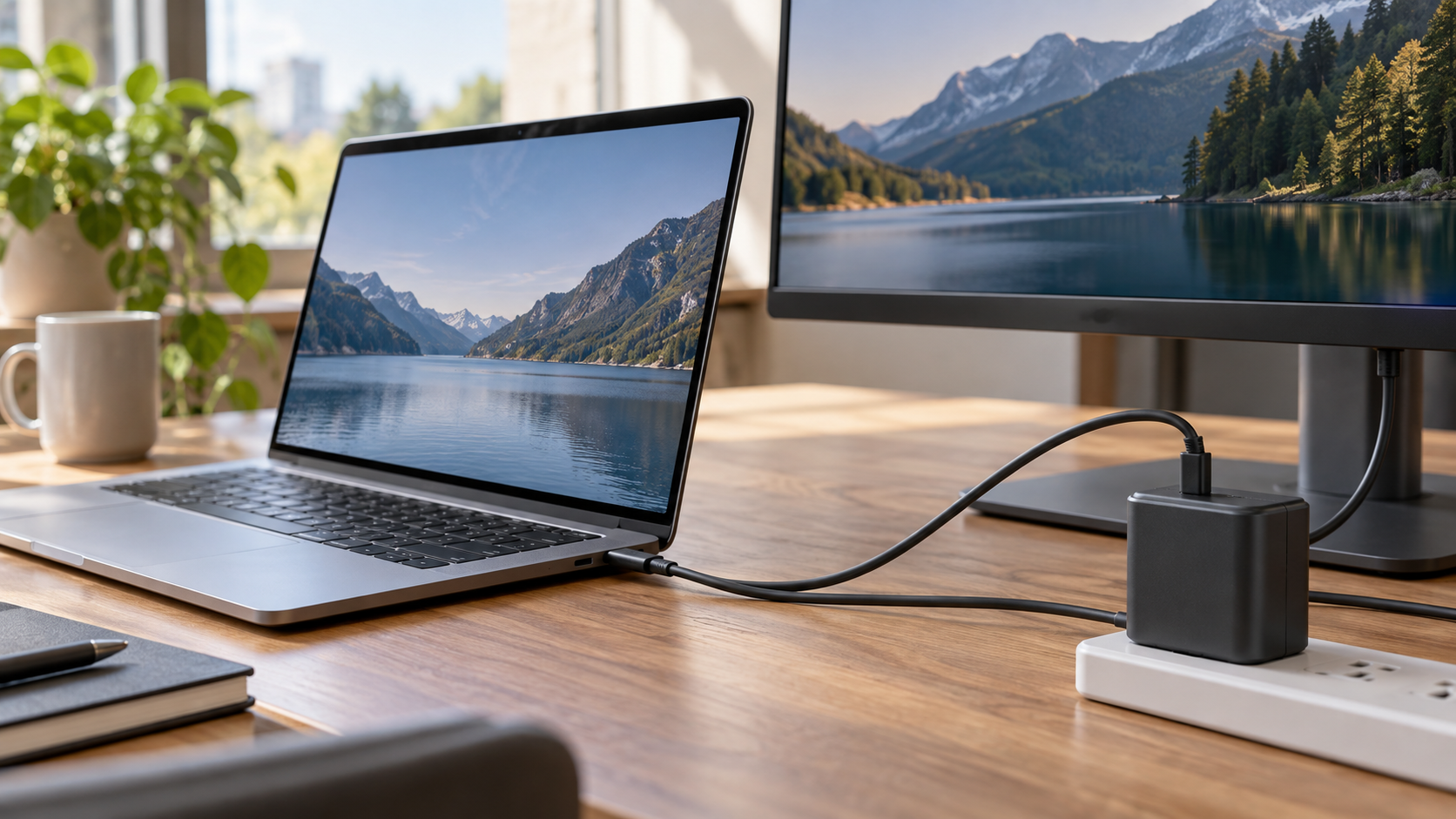
USB Power Delivery, commonly called USB PD, is a protocol that lets compatible devices negotiate how much electrical power should move through a USB connection. A device does not simply receive the maximum output printed on a charger. The source and the device being powered first communicate, identify supported power levels, and agree on a suitable combination of voltage and current. The source then supplies that negotiated level. This controlled process allows the same general connector family to serve small accessories, phones, laptops, monitors, and other equipment with very different needs.
On a USB-C connection, small configuration-channel contacts help devices detect orientation, identify roles, and exchange Power Delivery messages. A charger advertises the power profiles it can offer. The receiving device requests one it supports, and the charger confirms before changing from the safe initial level. Some equipment can renegotiate as conditions change, such as when a battery fills or a dock divides capacity among several ports. The protocol also supports programmable or adjustable modes that allow finer control within supported ranges.
Power direction is flexible. A wall charger normally acts as the source and a laptop as the sink, but a laptop may power a phone, and a monitor connected to the wall may charge a laptop while carrying video and data over the same cable. Certain devices can swap roles under controlled conditions. This flexibility is useful, but it means connector shape alone does not reveal every capability. USB-C describes the reversible connector; data speed, video modes, and USB Power Delivery support are separate features manufacturers choose to implement.
The charger, device, and cable all affect the result. A high-power device cannot draw more than the weakest compatible part allows. Some cables include an electronic marker that reports their capabilities, which is especially important at higher current or Extended Power Range levels. USB-IF specifications support power levels up to 240 watts with appropriate devices and cables, but many products support far less. A cable that charges a phone may operate safely at a lower rate when used with a demanding laptop rather than delivering the charger’s full capacity.
Negotiation improves interoperability and safety, but quality still matters. Poorly designed or damaged cables and chargers can fail to follow specifications. Certified equipment and clear power markings help buyers match components, while device firmware may also influence compatibility. Multi-port chargers can redistribute a shared power budget when another device is connected, sometimes causing a brief interruption while profiles are renegotiated. That behavior is not necessarily a fault; it may reflect the charger balancing its available capacity.
For users, the best approach is to match the charger’s output, the cable’s rating, and the device’s requirements rather than assuming every USB-C accessory is identical. If charging is unexpectedly slow, the limiting component may be the cable, the port, or the power source. USB PD works because the connection begins conservatively and increases power only after compatible hardware agrees on the terms. That negotiation is what lets one small reversible connector handle a broad range of devices without applying the highest possible voltage by default. Thermal conditions and battery management can change charging speed even after a high-power profile is negotiated. A device may reduce demand when its battery is warm, nearly full, or being used heavily, while the charger remains capable of more. Cables also carry data independently of their power rating, so a cable advertised for high wattage may still support only a modest data rate. Reading both power and data specifications is important for docks, displays, and storage devices, where charging success alone does not prove that every expected feature will work.
No. USB-C is the connector shape; Power Delivery, data speed, and video support are separate capabilities.
The source advertises supported profiles, the device requests a compatible one, and power increases only after agreement.
The device, port, charger, and cable each impose limits, so the lowest compatible capability determines the result.
Explore more "Explainers"
Discover additional explainers across politics, science, business, technology, and other fields. Each explainer breaks down a complex idea into clear, everyday language—helping you better understand how major concepts, systems, and debates shape the world around us.