

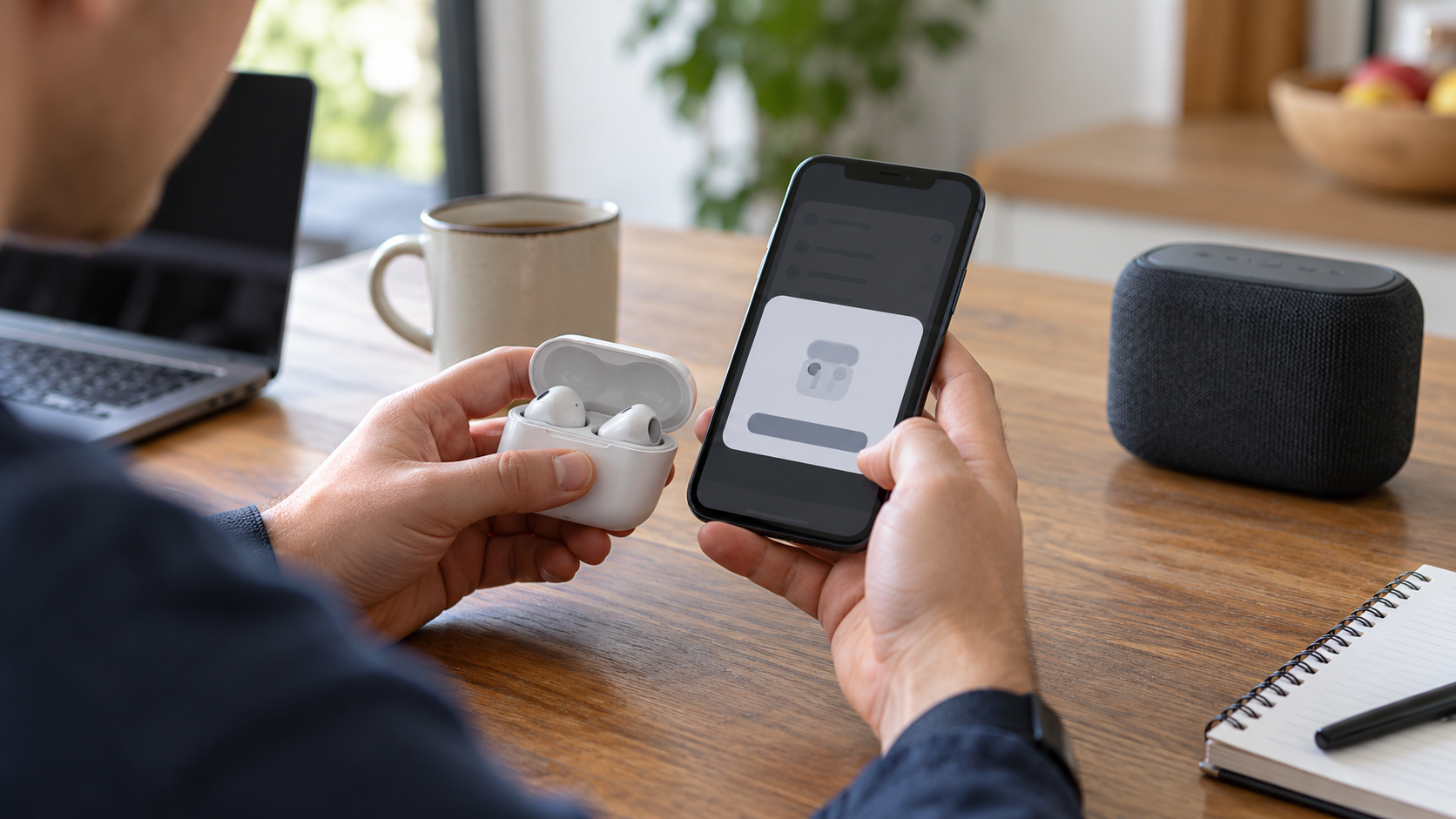
Bluetooth pairing is the process two devices use to establish a trusted relationship and create the key material needed for protected communication. Discovery and connection come first: a phone scans for nearby devices that are advertising or otherwise available, identifies the selected accessory, and opens a radio link. Pairing then determines what each device can display or accept, chooses an authentication method, and generates shared secrets. If the devices save that relationship, they can reconnect later without repeating every user step.
The visible experience depends on device capabilities. A phone and computer may show the same number and ask the user to confirm that the values match. A keyboard may require a passkey to be entered, while a small earbud case with no screen or keypad may use a method with less opportunity for user verification. Bluetooth specifications call these association models. The protocol selects among them based on input and output features, security requirements, and whether out-of-band information such as near-field communication is available.
Modern secure pairing uses public-key cryptography to help the devices agree on a shared secret without transmitting that secret directly. They exchange public information, calculate matching values independently, and confirm that the procedure completed correctly. From the resulting material, they derive encryption and authentication keys for the connection. Bluetooth Low Energy and Bluetooth Classic have different protocol details, but both aim to keep later traffic protected and to prevent an untrusted nearby device from silently joining the link.
User confirmation matters because radio discovery alone does not prove identity. If the devices can compare a number and a person verifies it on both screens, the process gains protection against a man-in-the-middle attacker trying to impersonate each side. Methods designed for devices with no display or keyboard may provide less authentication, even though the resulting connection can still be encrypted. That is why sensitive equipment should use the strongest pairing mode its hardware and use case support.
After successful pairing, devices may store long-term keys in a process often called bonding. A saved accessory can then reconnect when it is nearby, powered on, and authorized. Removing or forgetting a device deletes that local relationship, so pairing must occur again. Resetting an accessory may erase its stored keys as well. Problems arise when one side remembers an old bond while the other has been reset, which is why forgetting the device on both sides often resolves repeated connection failures.
Pairing does not guarantee that every Bluetooth product is equally secure. Older modes, weak user choices, implementation bugs, and devices left continuously discoverable can increase risk. Software updates may correct protocol handling, and users should reject unexpected requests or mismatched numbers. In ordinary use, pairing is a structured exchange of capabilities, identity checks, and cryptographic keys—not merely the moment a device name appears on a screen. The smooth reconnection people expect afterward is possible because that initial trust information was established and stored. The connection that follows pairing also uses profiles that describe particular functions, such as audio playback, keyboard input, health data, or file transfer. A device can be paired successfully yet fail to provide a desired function if the two products do not support the same profile or if an application lacks permission to use it. Radio interference, distance, and crowded 2.4-gigahertz channels can affect reliability after trust is established. Pairing solves identity and key setup; it does not eliminate the separate compatibility and signal-quality requirements of an ongoing Bluetooth connection. Keeping that distinction clear makes pairing problems easier to diagnose and prevents a successful connection from being mistaken for complete feature compatibility.
No. Discovery finds nearby devices; pairing establishes trust and keys for protected communication.
Numeric comparison lets a user confirm both devices are participating in the same exchange and helps resist impersonation.
A reset may erase stored bonding keys, leaving the two sides with different trust records that must be recreated.
Explore more "Explainers"
Discover additional explainers across politics, science, business, technology, and other fields. Each explainer breaks down a complex idea into clear, everyday language—helping you better understand how major concepts, systems, and debates shape the world around us.