

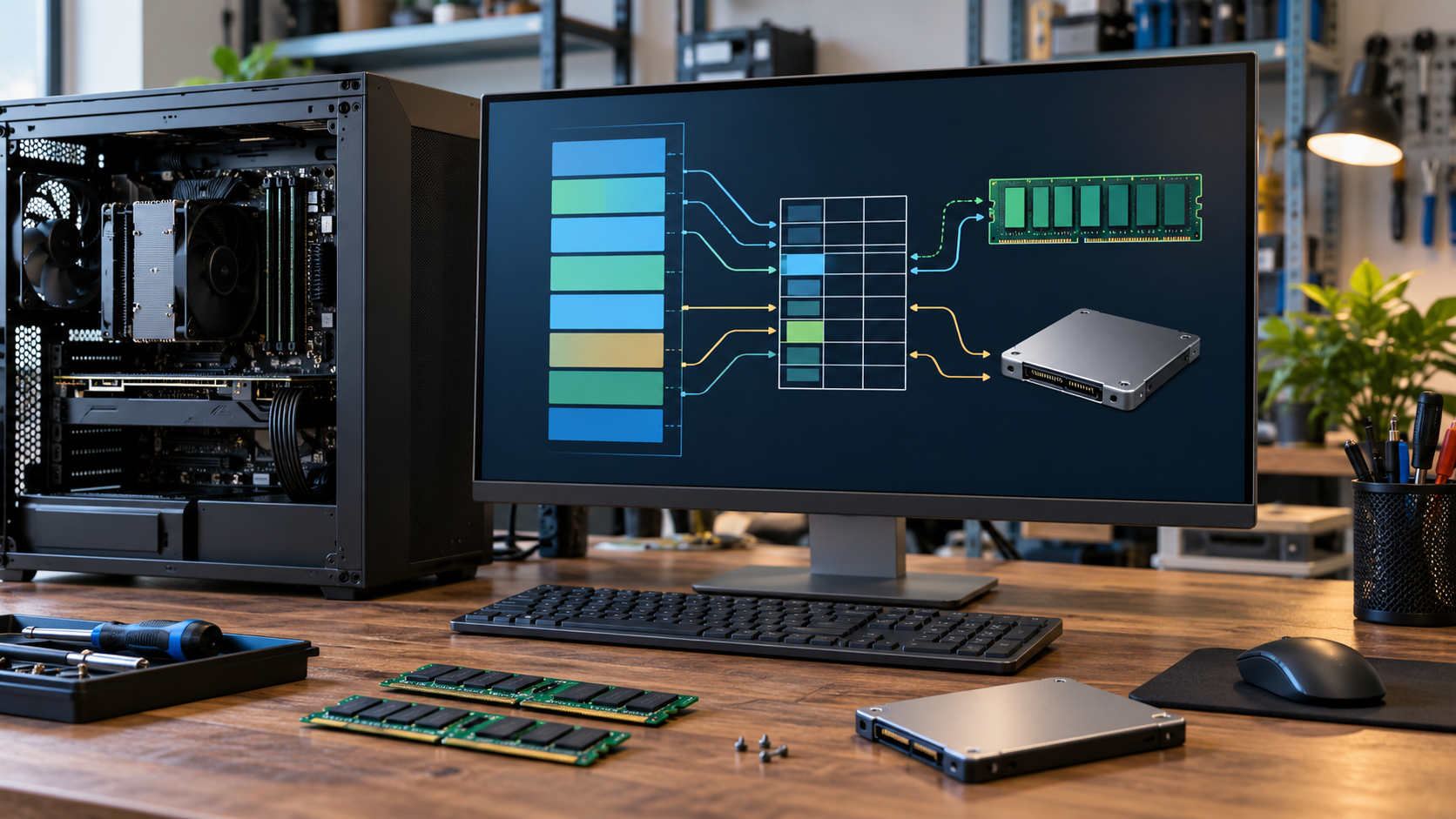
Virtual memory is the system that lets each running program use its own orderly address space even though many programs share the same physical memory. An address used by an application is virtual: it identifies a location in that program’s view, not a fixed chip position. Hardware and the operating system translate virtual addresses into locations in RAM using page tables. This indirection gives the system flexibility to move data, share selected regions, enforce access rules, and keep one process from casually reading another process’s memory.
Memory is managed in fixed-size blocks called pages. A page-table entry records whether a virtual page is present, where its physical frame is located, and what operations are allowed. Processors cache recent translations in a translation lookaside buffer so every load and store does not require a full page-table walk. When the processor cannot use an existing translation, it consults the page tables. If the mapping is valid but the needed page is not currently in RAM, the processor raises a page fault and transfers control to the operating system.
A page fault is not automatically an error. With demand paging, the system waits to load code or data until a program actually touches it. The operating system may read the requested page from an executable file, a mapped data file, or a paging area on storage, then update the mapping and resume the instruction. It may also reclaim a less active page to make room. If a program accesses an address that has no valid mapping or violates permissions, the fault instead becomes an application error. The same mechanism therefore supports both routine loading and protection.
Virtual memory is often described as using a disk as extra RAM, but that description is incomplete. Private address spaces and translation are used even when a computer has plenty of physical memory and never needs to page data out. Storage is dramatically slower than RAM, so moving active pages back and forth can make a system unresponsive. The pages a process is actively using form its working set. When combined working sets exceed available memory for long periods, repeated page faults can cause thrashing, where the computer spends more time moving pages than doing useful work.
The system can also map the same physical pages into more than one address space. Shared libraries can be loaded once and safely referenced by several processes, while shared-memory regions allow intentional communication. Copy-on-write mappings let processes initially share data and receive separate copies only when one tries to modify a page. Memory-mapped files allow file contents to be accessed through ordinary memory operations, with the operating system coordinating caching and storage. These techniques reduce duplication and give software a consistent interface for several kinds of data.
Virtual memory has limits. Address-space size depends on processor architecture and operating-system policy, while usable memory is constrained by RAM, storage, quotas, and workload behavior. Page files or swap space cannot compensate for every shortage, and disabling them can remove useful flexibility or crash-support functions. Good performance depends on locality: programs run best when they repeatedly use a manageable set of nearby pages. The key idea is that virtual memory is a translation and protection system first. Paging to storage is one tool within that larger design, not its entire purpose. Modern systems also use memory pressure signals and workload priorities when deciding what to reclaim. Clean file-backed pages can often be discarded and read again later, while modified private pages may need storage before their frames can be reused. Applications can help by releasing caches they no longer need, processing large data sets in bounded pieces, and avoiding unnecessary copies. Monitoring fault rates and working-set growth is more informative than treating every use of a paging file as a problem.
No. Address translation and process isolation are always central; paging data to storage is only one part of the system.
The operating system checks the mapping, loads or creates the needed page when valid, updates the page table, and resumes the program.
Storage is much slower than RAM, so repeatedly moving active pages can consume more time than the programs useful work.
Explore more "Explainers"
Discover additional explainers across politics, science, business, technology, and other fields. Each explainer breaks down a complex idea into clear, everyday language—helping you better understand how major concepts, systems, and debates shape the world around us.