

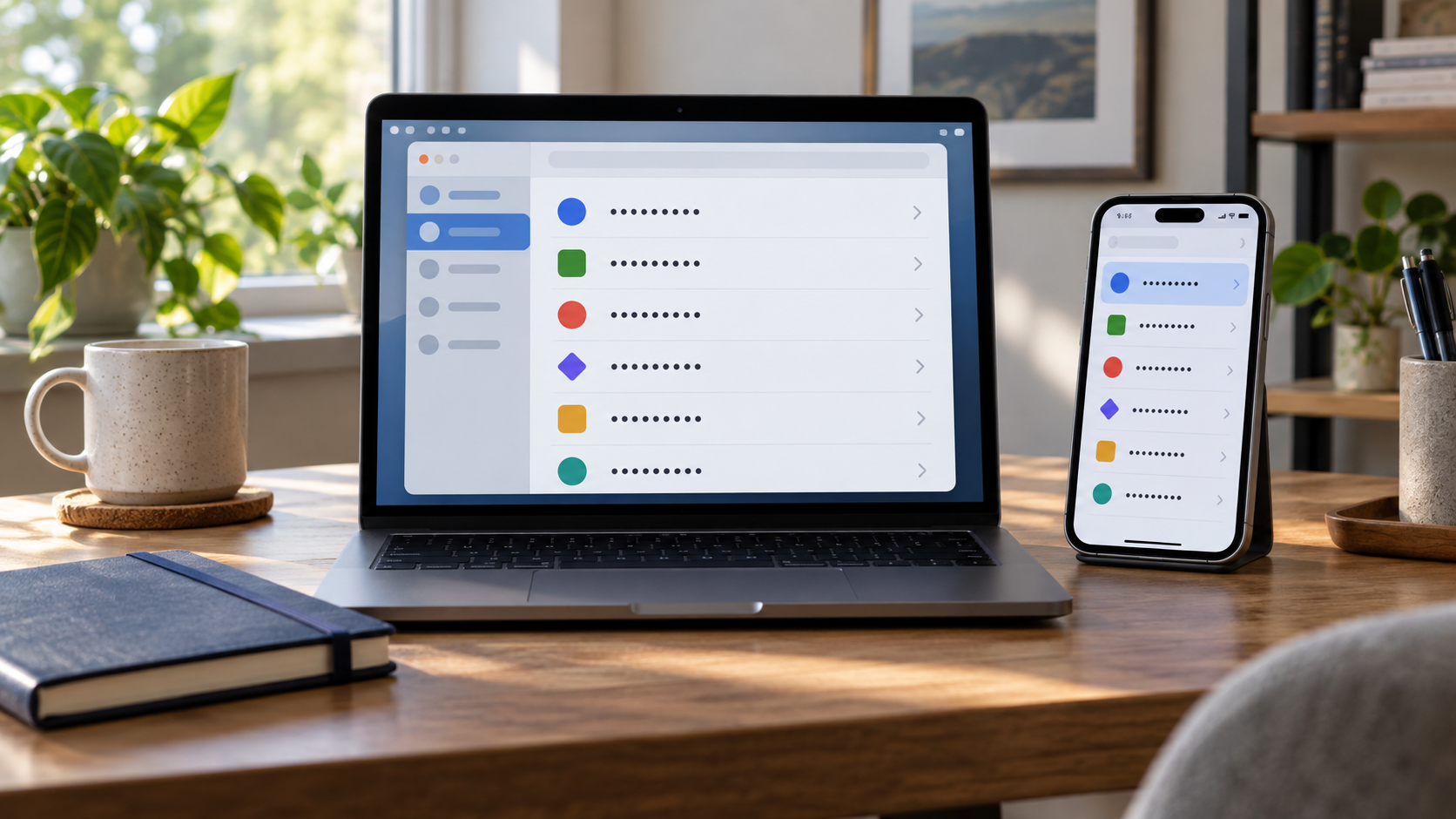
A password manager is software that generates, stores, and retrieves credentials so a person does not have to memorize a different password for every account. Its central feature is an encrypted vault containing usernames, passwords, and sometimes related items such as recovery notes or passkeys. The user unlocks the vault with a master secret, device credential, or another approved method. Once unlocked, the manager can identify a website or app and fill the matching credential. This makes long, randomly generated passwords practical and greatly reduces the temptation to reuse one familiar password everywhere.
The vault is encrypted with a key derived from information available to the user or device. Well-designed systems use a deliberately expensive key-derivation process so each password guess takes time and computing resources. Some managers keep the vault only on one device, while others synchronize an encrypted copy through a cloud service. In a zero-knowledge design, the provider stores ciphertext but does not receive the key needed to decrypt it. That design reduces provider access, although the security of the actual implementation, update process, recovery system, and endpoints still matters.
When a new account is created, the manager can generate a unique random password according to the site’s allowed length and characters. It records the site address along with the credential and later offers to autofill it only on a matching domain. This domain matching can help expose phishing: a manager that saved a credential for the legitimate site should not automatically fill it on a look-alike address. Browser extensions and mobile operating systems provide integration points, while standard password fields let managers fill credentials without sending them through an exposed clipboard.
Synchronization allows the same vault to be used on a computer and phone. A device normally downloads the encrypted vault, unlocks it locally, and uploads encrypted changes. Conflict handling, device authorization, and backup policies differ among products. Some systems add a separate account key or require approval from an existing device. Others support emergency access or provider-assisted recovery. Every recovery convenience changes the threat model: a mechanism that helps the owner regain access might also create another route an attacker can target, so users should understand what information can restore the vault.
A password manager concentrates valuable information, making the master account and devices important targets. A strong, memorable master passphrase should be unique, and multi-factor authentication should protect the account when available. Devices need screen locks, current software, and protection from malware that could capture credentials after the vault is open. Users should review unexpected autofill prompts and avoid exporting an unencrypted vault except for a controlled backup. No manager can protect a password that is exposed by a compromised endpoint or voluntarily entered into the wrong application.
The main security gain comes from replacing reuse with unique credentials. If one website is breached, a password stolen there cannot unlock unrelated accounts. The manager also removes much of the human burden of inventing and remembering complex strings. It does not eliminate the need for account recovery planning, phishing awareness, or migration options if a product closes. A sensible evaluation considers encryption design, independent security review, update history, supported platforms, export capability, recovery choices, and phishing-resistant authentication. Used carefully, a password manager turns strong password hygiene from a memory exercise into a manageable system. Before committing to one tool, a user can test how it handles imports, duplicate entries, shared accounts, and emergency recovery. Export support matters because credentials should not become trapped in an abandoned product, but exported files require immediate protection and secure removal after migration. Families and teams should use purpose-built sharing that gives each person an account instead of copying a master secret or sending passwords through messages.
The answer depends on the design. In a properly implemented zero-knowledge system, decryption happens on the user’s device and the provider stores only encrypted vault data.
Recovery varies by product. Some systems offer device-based or emergency recovery, while others cannot restore the vault without the master secret or recovery key.
A unique password limits a breach at one service from becoming a credential-stuffing attack against many other accounts.
Explore more "Explainers"
Discover additional explainers across politics, science, business, technology, and other fields. Each explainer breaks down a complex idea into clear, everyday language—helping you better understand how major concepts, systems, and debates shape the world around us.