

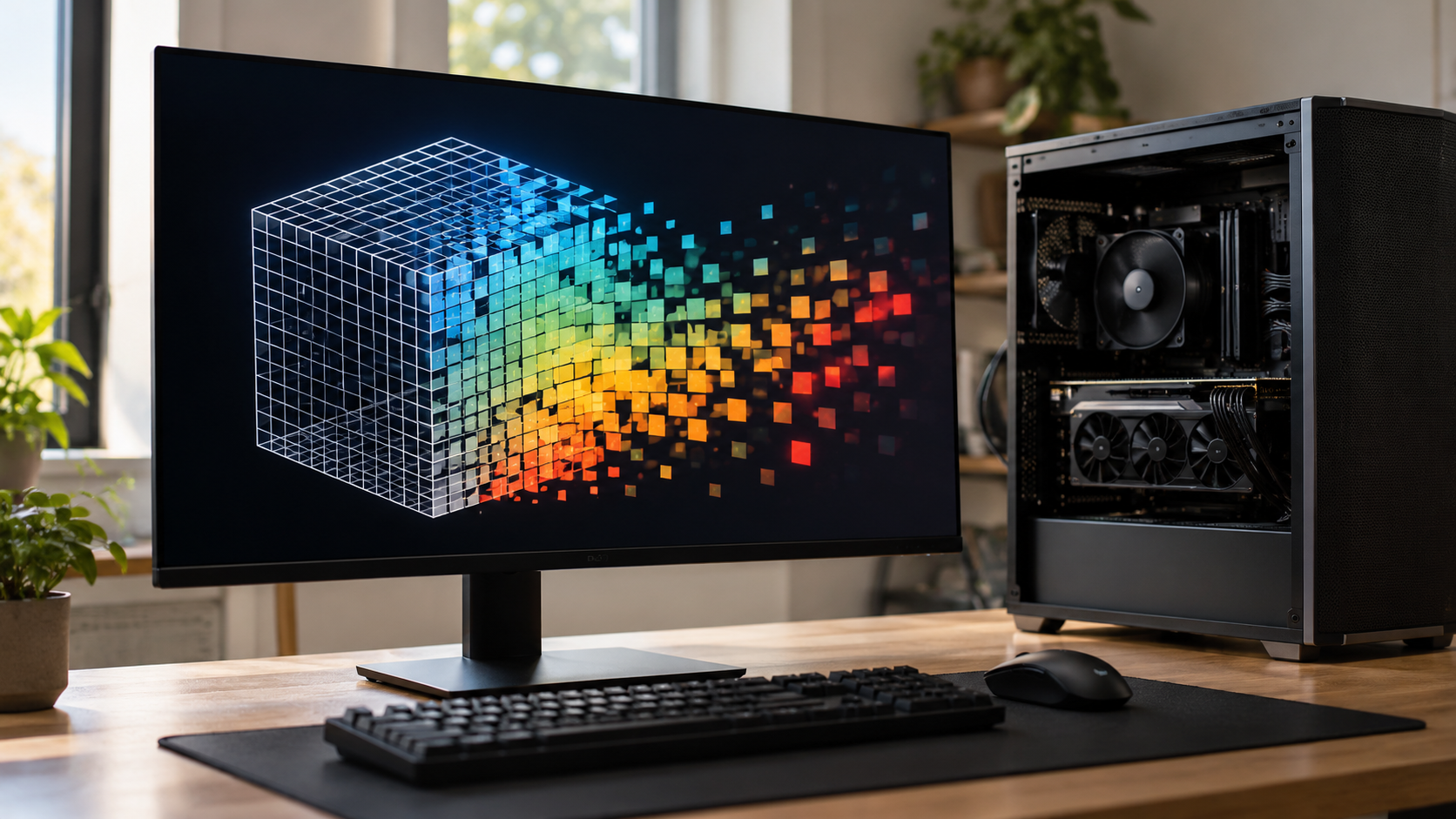
Rasterization Explainer
Rasterization is the graphics process that turns geometric shapes into the pixels a display can show. A 3D model is often described with points, lines, and triangles rather than with millions of colored dots. Before a screen can show that model, the graphics system must determine which pixels each shape covers and what color those pixels should receive. Rasterization performs that conversion fast enough for interactive scenes, which is why it is central to games, design tools, browsers, and many other visual applications.
A typical 3D scene begins with vertices, which are points carrying information such as position, color, texture coordinates, or surface direction. Groups of vertices form triangles because triangles are simple, always flat, and easy for hardware to process. Earlier stages transform those triangles from the model’s local space into the viewpoint of a virtual camera. They are then projected onto a two-dimensional viewing area, much as a camera maps a three-dimensional scene onto a flat sensor.
The rasterizer works out which parts of each triangle can appear in that viewing area. It clips portions outside the camera’s visible region, applies perspective so distant objects appear smaller, and maps the remaining shapes into screen coordinates. For every pixel touched by a triangle, it can interpolate values from the triangle’s vertices. A color or shading program then uses those values to calculate the final appearance for that pixel. The result is a grid of samples that the display can update as an image.
Visibility is a major part of the job. In a 3D scene, a wall may hide an object behind it, and two shapes may overlap on the screen even though they sit at different depths. A depth buffer records how close previously drawn surfaces are at each pixel, allowing farther surfaces to be rejected when they are hidden. Systems may also avoid processing triangles facing away from the camera or lying entirely outside the visible region. These steps save work before the final image is assembled.
Rasterization must make decisions at the boundaries of shapes. A diagonal line cannot divide a grid of square pixels perfectly, so its edge can look stair-stepped if each pixel is simply on or off. Anti-aliasing reduces that effect by sampling coverage more carefully or combining information from nearby samples. Texture filtering handles another common problem: a detailed image mapped onto a small or distant surface can shimmer if too much detail is forced into too few pixels. These techniques improve appearance, but they also use memory and processing time.
Rasterization is not the only way to create an image. Ray tracing, for example, models paths of light and can produce convincing reflections and shadows, though it may require more computation. Modern graphics systems often combine approaches. Rasterization remains popular because it handles large numbers of triangles efficiently and gives programmers direct control over speed, resolution, shading, and visual quality.
In short, rasterization converts a scene described by geometry into a picture described by pixels. It connects a virtual camera, projected triangles, visibility tests, interpolation, and shading so that a moving 3D world becomes a sequence of displayable images. The next time a model rotates smoothly on a screen, the visible result is not a single stored picture; it is a rapid stream of decisions about what each pixel should show.
LiDAR measures distance by sending out laser light and detecting its return after it reflects from a surface. It is used in mapping, robotics, vehicles, surveying, and depth sensing.
The sensor measures the travel time of a light pulse or compares the phase of emitted and returned light. Because light travels at a known speed, that measurement can be converted into distance.
Surface reflectivity, angle, rain, fog, sunlight, and multiple reflections can change the return signal. Sensors use filtering and repeated measurements to improve the reliability of their depth estimates.
Explore more "Explainers"
Discover additional explainers across politics, science, business, technology, and other fields. Each explainer breaks down a complex idea into clear, everyday language—helping you better understand how major concepts, systems, and debates shape the world around us.