

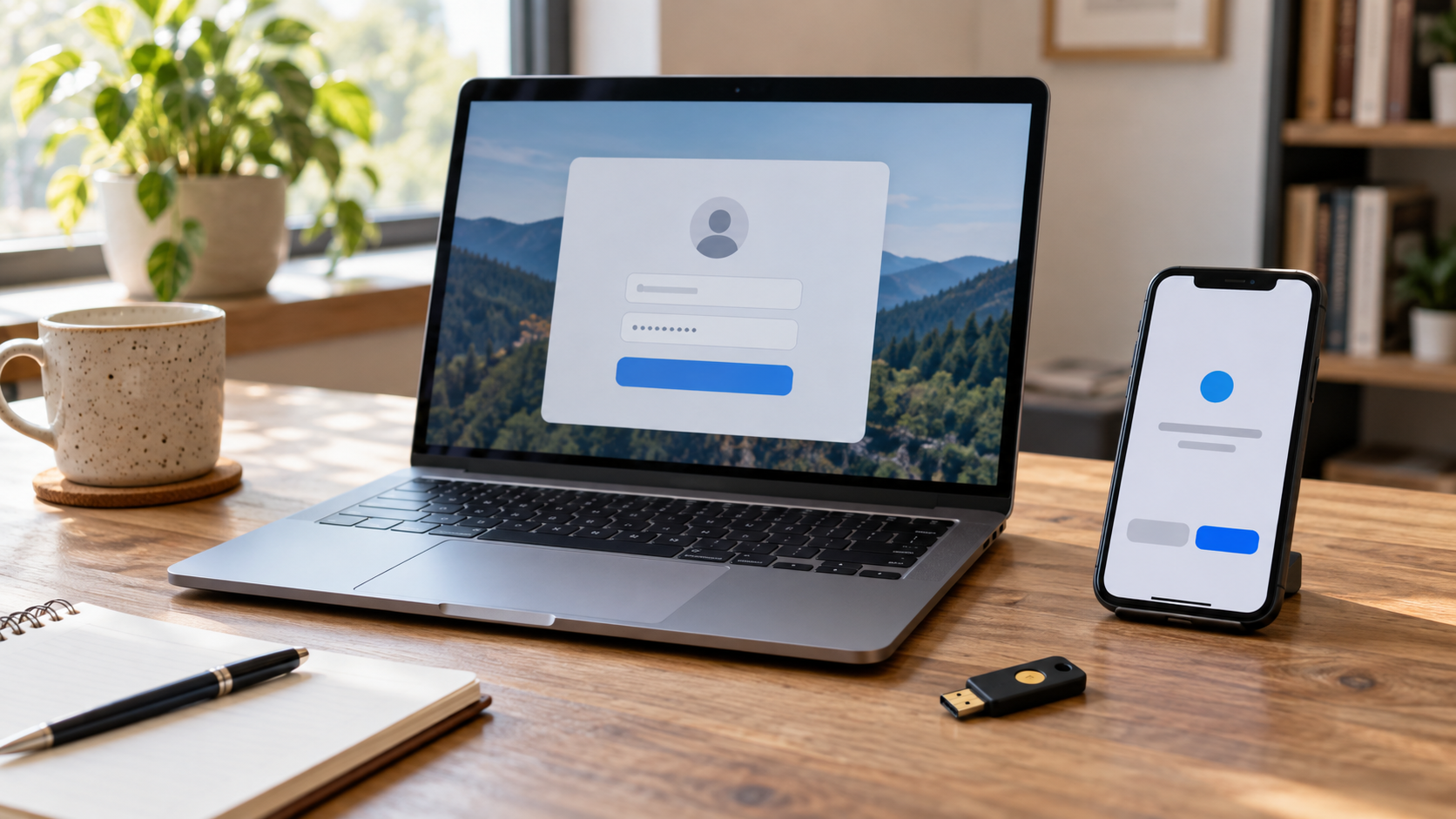
Two-factor authentication, or 2FA, requires two distinct kinds of evidence before an account grants access. The factors normally come from separate categories: something a person knows, such as a password; something the person has, such as a phone or security key; and something the person is, such as a fingerprint used on a device. Two passwords do not constitute two factors because both are knowledge. The security benefit comes from forcing an attacker to defeat different protections, so a stolen password alone is less likely to be enough for account takeover.
After the first factor succeeds, the service requests proof of the second. A one-time-password app may generate a short code from a secret shared during enrollment. A push system may send an approval request to a registered device. A hardware security key can respond to a cryptographic challenge tied to the legitimate website, while a phone or computer may unlock a protected credential after a local PIN or biometric check. The service verifies the response and creates an authenticated session only when the required factors satisfy its policy.
The term two-step verification is sometimes used for any login with two prompts, but the distinction between steps and factors matters. Receiving a code by email after entering an email password may still rely heavily on control of the same account. A password followed by a security key uses independent knowledge and possession factors. Multi-factor authentication is the broader term for two or more distinct factors; 2FA is the common two-factor case. A single authenticator can also be multi-factor if it requires local activation, such as a hardware key unlocked by a PIN or biometric.
Not all second factors offer equal protection. Text-message codes can be intercepted through phone-number takeover, message forwarding, or social engineering. Time-based codes from an authenticator app avoid some telephone risks but can still be entered into a convincing phishing site in real time. Push notifications can be abused when repeated prompts pressure a user to approve one accidentally. Phishing-resistant methods such as properly implemented security keys and passkeys bind the response to the real service, making it much harder for a fraudulent site to relay the authentication.
Enrollment and recovery deserve the same attention as daily login. If an attacker can add a new factor using only a weak email check, the stronger login process is bypassed. Users need protected recovery codes, current backup methods, and a way to remove lost devices. Organizations need procedures for help-desk resets, device replacement, and suspicious prompts. Malware on an already unlocked endpoint may also steal a session after authentication, so 2FA does not replace software updates, safe browsing, or controls that limit what an authenticated account can do.
For most accounts, enabling a second independent factor substantially improves protection, especially against reused or stolen passwords. The strongest available option is generally a phishing-resistant cryptographic authenticator, followed by well-configured app-based methods; text or email codes are better treated as fallbacks when stronger choices are unavailable. Users should read unexpected prompts carefully and report them rather than approving them. Two-factor authentication works best as one layer in a broader account-security design that includes unique credentials, secure recovery, device protection, and monitoring for unusual access. Backup factors should be treated as real credentials rather than afterthoughts. A printed recovery code belongs in a secure location, and an old phone should be removed from the account after replacement. Services can reduce confusion by showing which factor is being requested and why. Clear prompts help users distinguish a legitimate approval from an attacker-generated request, while sign-in alerts provide another chance to notice abuse.
No. Two passwords are both something you know, so they remain one factor even when entered in separate steps.
Phishing-resistant cryptographic methods such as properly implemented security keys and passkeys generally provide the strongest protection available to consumers.
Yes. Phishing, weak recovery, stolen sessions, malware, notification fatigue, and insecure enrollment can still defeat or work around some implementations.
Explore more "Explainers"
Discover additional explainers across politics, science, business, technology, and other fields. Each explainer breaks down a complex idea into clear, everyday language—helping you better understand how major concepts, systems, and debates shape the world around us.