

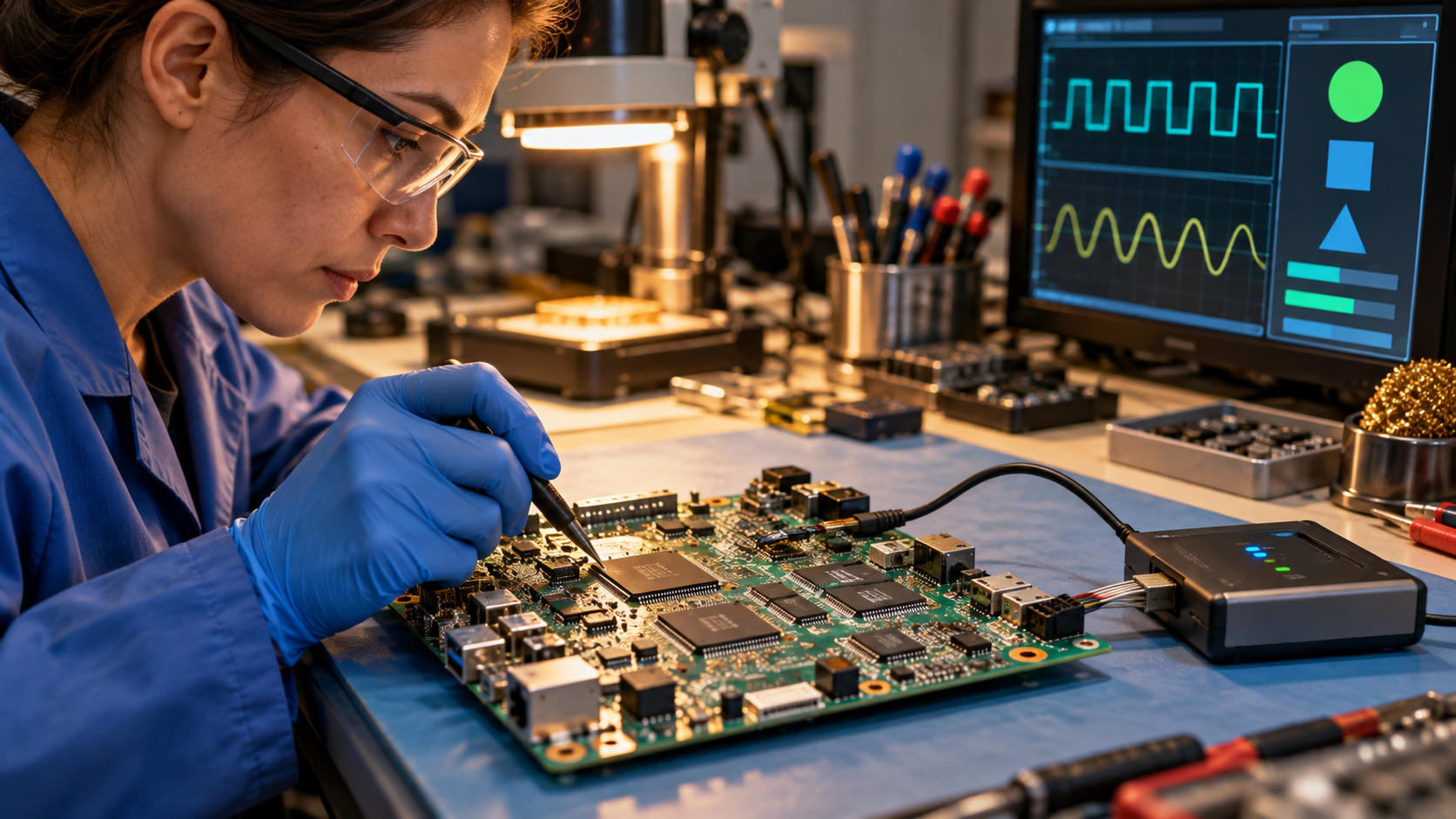
Firmware is software stored close to the hardware it controls. It contains instructions and data that help a device initialize, operate components, and expose basic functions to higher-level software. NIST definitions commonly describe it as programs and data stored in hardware, typically in read-only or programmable read-only memory. Modern devices often keep firmware in rewritable flash memory, so it can be updated without replacing a chip. The name reflects its position between fixed circuitry and easily changed applications, not that it is permanently unchangeable. Firmware may also provide a small management interface through which the operating system reads status, changes settings, or requests device operations.
Firmware exists in far more places than a computer’s familiar BIOS or UEFI startup environment. Solid-state drives use controller firmware to manage flash cells, error correction, and wear leveling. Routers use it to operate radios, network interfaces, and management features. Cameras, printers, keyboards, cars, industrial controllers, and household appliances all depend on embedded instructions. A single product may contain several processors, each with separate firmware responsible for a sensor, power controller, wireless module, storage device, or security component. This layered arrangement explains why updating a laptop can involve separate packages for the system, graphics hardware, storage, docks, and other components.
At power-on, early firmware establishes a usable starting state. It can configure memory and clocks, discover connected hardware, run basic checks, load configuration, and locate the next stage in a boot chain. On a personal computer, platform firmware eventually transfers control to a bootloader and operating system. On a smaller embedded device, firmware may be the main program that runs continuously. Because these instructions execute before many operating-system defenses are available, faults or malicious changes can have unusually broad control over the machine. The trustworthiness of every later stage can depend on this first code making correct decisions and verifying what it loads next.
Firmware updates replace some or all of the stored instruction image. A responsible update system checks that a package is intended for the exact device and version, verifies a digital signature, writes it to flash, and confirms that the new image starts correctly. Many products use two storage slots, a protected recovery image, or a rollback mechanism so an interrupted or defective update does not permanently disable the device. Power loss, the wrong package, failing storage, or a flawed updater can still leave hardware unable to boot. Vendors may prohibit downgrades after security fixes because an older, correctly signed image could otherwise reintroduce a known vulnerability.
Security teams pay special attention to firmware because it is privileged, persistent, and sometimes difficult for ordinary antivirus tools to inspect. An attacker who changes early boot code may survive an operating-system reinstall or hide below normal monitoring. NIST’s platform firmware resiliency guidance organizes defenses around protecting authorized firmware, detecting unauthorized changes, and recovering to a known-good state. Secure boot, signed updates, write protections, measured boot, version controls, and hardware roots of trust are different ways to strengthen that chain. Inventory and attestation tools help administrators know which firmware versions are present, but coverage varies across component types and manufacturers.
Firmware is related to, but distinct from, a device driver. Firmware normally runs on or directly initializes the device, while a driver runs in the operating system and provides a standard way for the system to communicate with that hardware. Users should obtain firmware only from the device maker or another trusted administrator, confirm the exact model, read update notes, preserve important settings, and avoid interrupting power. Updates can fix serious problems, but unnecessary or unverified flashing creates risk. Treat firmware as critical software with a hardware-sized blast radius. For managed fleets, staged deployment and recovery testing reduce the chance that one defective update disables every device at the same time.
Firmware normally runs on or directly initializes a device. A driver runs in the operating system and lets that system communicate with the device.
Power loss, a wrong image, failing storage, or a defective updater can interrupt the write and leave the device unable to start normally.
Yes. Firmware runs with high privilege and can persist below the operating system, which is why verified updates, boot protections, detection, and recovery matter.
Explore more "Explainers"
Discover additional explainers across politics, science, business, technology, and other fields. Each explainer breaks down a complex idea into clear, everyday language—helping you better understand how major concepts, systems, and debates shape the world around us.