

Patient Portals Explainer
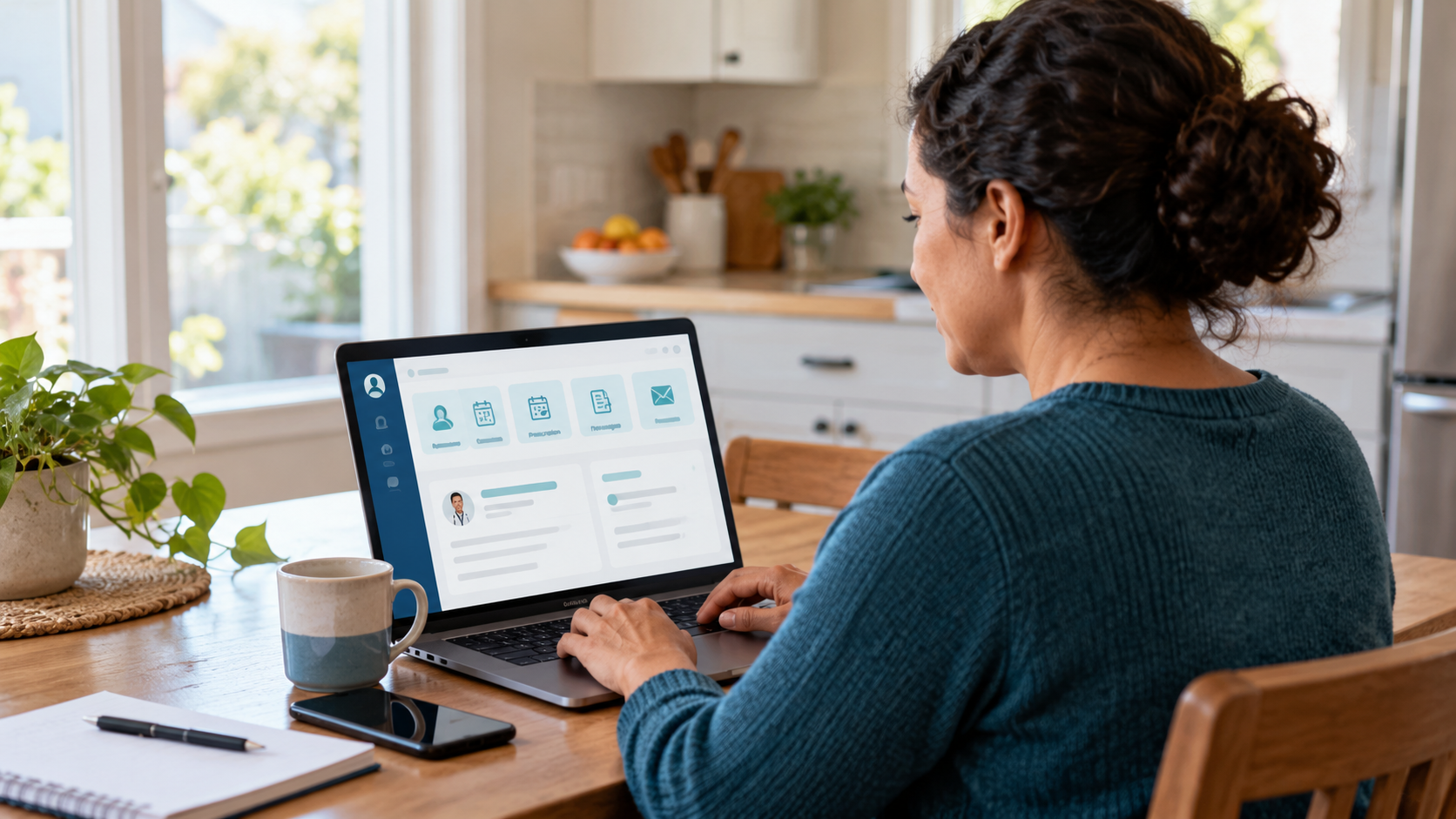
A patient portal is a secure online doorway to selected services and information from a health care organization. Depending on the system, patients may review test results, medications, allergies, visit summaries, immunizations, and upcoming appointments. Many portals also support prescription-refill requests, bill payment, forms, and nonurgent messages. The portal is usually connected to the organization’s electronic health record, but it is not necessarily the entire record.
Access normally begins with identity verification and a protected account. Once signed in, a patient may see information released automatically or after a clinician reviews it, depending on the type of result and applicable rules. Proxy access can allow a parent, caregiver, or authorized representative to use portal functions, but organizations need procedures that respect changing consent and privacy needs, especially for adolescents and adults who receive help with care.
Portals improve convenience, yet they have limits. Messages are not emergency channels, response times vary, and a result can be hard to interpret without clinical context. Information from outside organizations may be missing unless systems exchange it. Access also depends on reliable internet service, usable design, language support, and digital skills. Shared passwords or unprotected devices can expose sensitive information, so account security matters.
Used well, a portal can help patients prepare for visits, notice errors, follow plans, and keep a written conversation with the care team. It is most useful when the organization clearly explains what is available, how quickly messages are answered, and what to do for urgent concerns. Patients can ask how to correct inaccurate information and whether they can download or transmit a more complete copy of their record.
Common features include results, medications, visit summaries, appointments, refills, billing, and secure messages.
The exact features and release timing depend on the organization and system.
Portal messages are generally intended for routine questions and may not be read immediately.
Urgent or emergency symptoms require the contact method specified by the care organization.
Proxy access can help caregivers while preserving a separate audit trail and appropriate patient control.
Use strong account security and review who is authorized to view or act through the portal.
Explore more "Explainers"
Discover additional explainers across politics, science, business, technology, and other fields. Each explainer breaks down a complex idea into clear, everyday language—helping you better understand how major concepts, systems, and debates shape the world around us.