

Capacitive Touchscreen Explainer
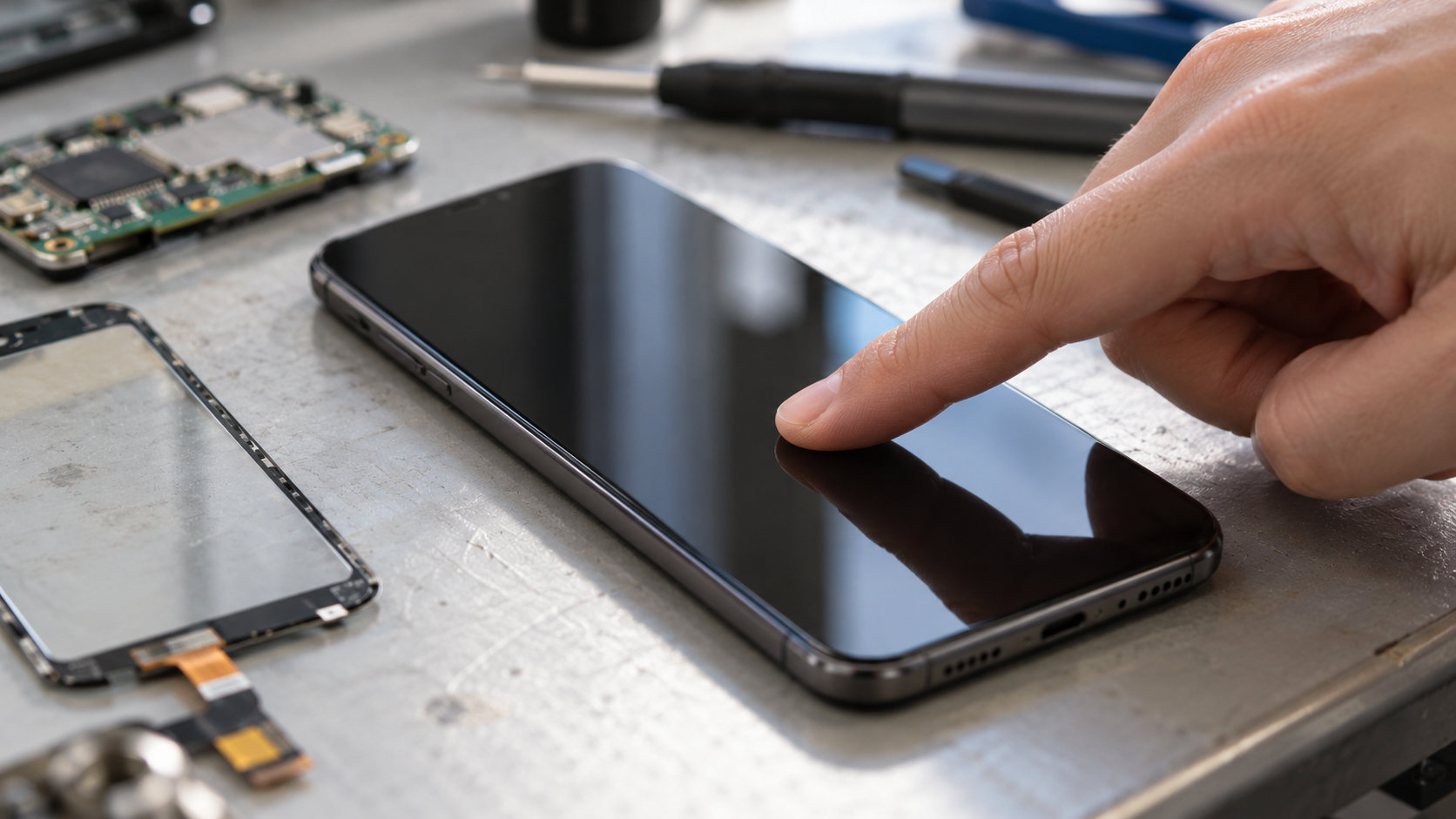
A capacitive touchscreen detects a finger by measuring tiny changes in an electric field beneath the cover glass. The sensing layer contains transparent conductive electrodes connected to a touch controller. Most modern phones and tablets use projected-capacitive sensing, often with intersecting transmit and receive electrodes arranged as a grid. The controller scans that grid many times each second and compares the current measurements with a baseline. When a conductive object such as a fingertip approaches the glass, it changes the electrical coupling at nearby points. The controller interprets that change as a touch rather than waiting for the glass to be physically pressed.
In a mutual-capacitance design, the controller drives a signal onto one set of electrodes and measures how much charge couples into another set. The crossing of a transmit line and a receive line forms a sensing node. A finger touching above that node interacts with the local electric field and diverts part of the coupling through the user’s body and surrounding environment. The measured mutual capacitance usually falls by a very small amount, commonly far less than the capacitance of the whole sensor. Electronics designed for low-noise measurement can detect that small difference through the insulating cover glass without exposing the conductive grid.
Finding a position requires more than marking one grid intersection as on or off. A fingertip affects several neighboring nodes, so the controller compares the strength and shape of the changes around the contact. It can interpolate between electrodes to estimate a coordinate with finer resolution than the physical grid spacing. Separate clusters of changed nodes can be reported as multiple simultaneous touches. Firmware also filters electrical noise, rejects brief spikes, follows slow changes in the baseline, and applies thresholds so an ordinary variation is not mistaken for a tap. The operating system then receives coordinates and contact information and decides whether the gesture means a press, swipe, pinch, or rotation.
Capacitive sensing is not the same as pressure sensing. A standard panel knows that the electrical field changed, but it does not directly measure how hard the finger pushed unless the device includes an additional force sensor or estimates contact area. An ordinary glove may prevent detection because the insulating fabric weakens the finger’s coupling to the screen. A conductive glove or capacitive stylus provides a path that the sensor can recognize. Active pens use additional electronics and often a separate signaling method to offer precise location, pressure, tilt, or palm rejection; those features are not produced by the basic finger-sensing grid alone.
Real screens must cope with moisture, chargers, radio transmitters, display noise, metal frames, and manufacturing variation. Water can create broad conductive paths that resemble several touches, while electrical interference can shift readings across many nodes. Designers choose electrode shapes, cover thickness, scanning frequencies, shielding, grounding, and signal-processing rules to preserve a useful signal-to-noise ratio. Controllers may calibrate after startup, scan at more than one frequency, or recognize the wide pattern made by a palm. Those defenses involve tradeoffs: a threshold that is too sensitive creates false touches, while one that is too strict misses light touches or thick gloves.
The practical achievement is that a thin transparent sensor can translate a changing electric field into stable, repeatable coordinates without moving parts. Its speed comes from continually scanning a matrix, not from sensing a single point only when the user acts. Its accuracy depends on the entire stack: electrode geometry, cover material, controller electronics, calibration, and software filtering. That is also why two devices using the same general capacitive principle can feel different. The screen is measuring small analog changes and turning them into digital decisions, and the quality of those decisions determines whether a tap lands exactly where the user intended.
A fingertip is conductive and interacts with the electric field above the sensor electrodes. In a mutual-capacitance panel, that interaction normally reduces the coupling measured between a transmit line and a receive line.
The controller compares the changed value with a continuously maintained baseline. A large enough, properly shaped difference is treated as a real touch.
The controller scans a grid of electrode intersections. A finger affects several nearby nodes, and the relative strength of those changes lets the controller estimate coordinates between the physical grid lines.
Separate clusters can become multiple touches. The operating system receives those coordinates and interprets them as taps, swipes, pinches, or other gestures.
Insulating fabric weakens the electrical coupling from a finger, so an ordinary glove may not cross the detection threshold. Conductive gloves and compatible styluses restore a detectable path.
Water can create broad conductive changes that resemble several touches. Controllers use filtering, calibration, shielding, and pattern recognition to reduce false input, but those defenses have limits.
Explore more "Explainers"
Discover additional explainers across politics, science, business, technology, and other fields. Each explainer breaks down a complex idea into clear, everyday language—helping you better understand how major concepts, systems, and debates shape the world around us.