

Pouch Laminator Explainer
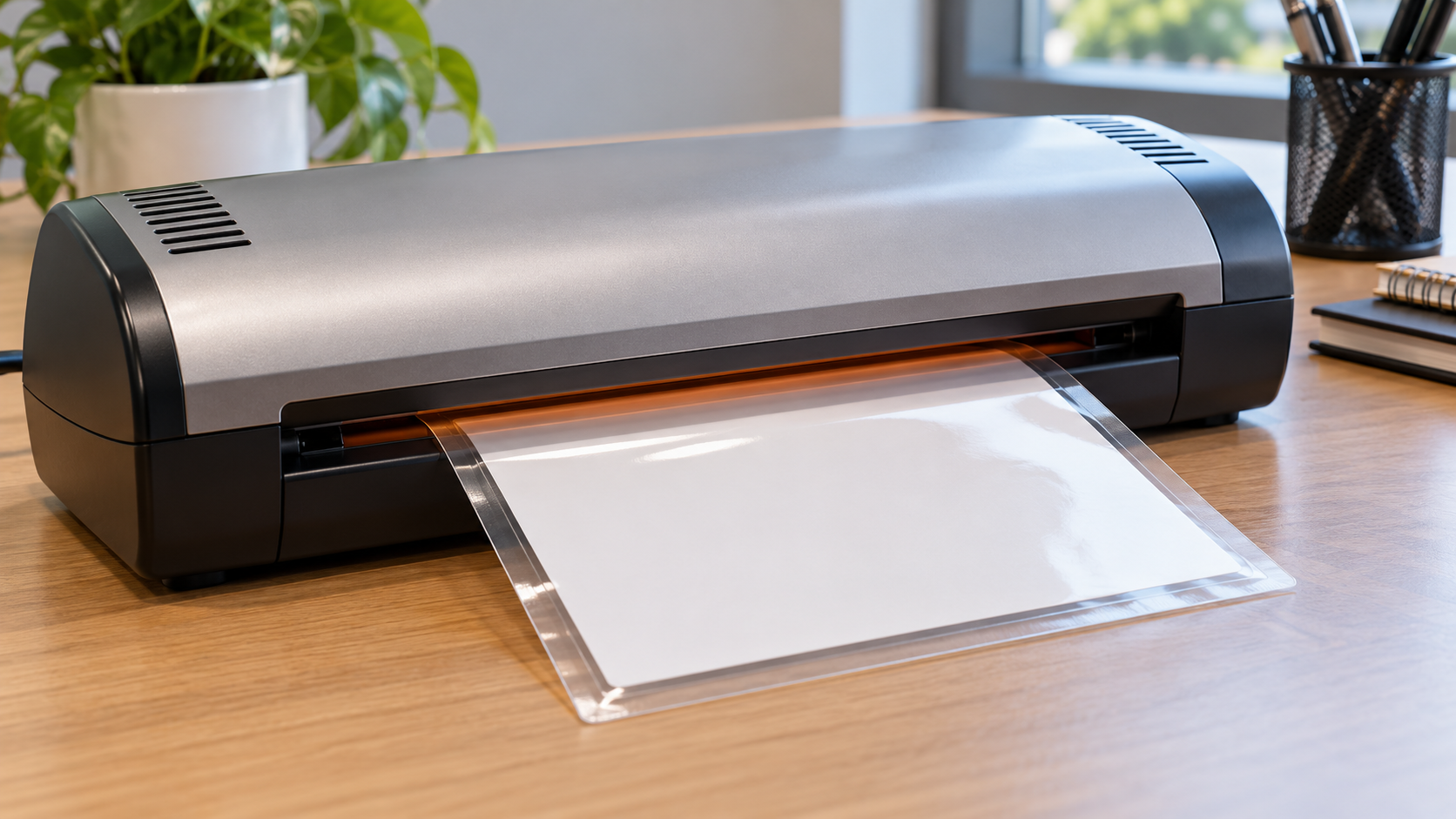
A thermal laminating pouch consists of clear plastic films coated on their inner faces with a heat-activated adhesive. A document is placed between the sheets with an even border around it and the sealed edge enters the laminator first. Internal heaters warm the pouch as powered rollers carry it through. The adhesive softens, wets the paper and opposing film, and flows into small surface irregularities. Roller pressure removes much of the air and brings the layers into intimate contact.
The machine must deliver the right combination of temperature, time, and pressure. Thick pouches and heavy inserts absorb more heat and may need a higher setting or slower path. If the film remains too cool, edges can look cloudy or separate. Excessive heat can wrinkle the pouch, curl the document, squeeze adhesive, or damage heat-sensitive printing. Preset thickness selections are therefore processing recipes, not merely labels for how rigid the result will feel.
Paired rollers also keep the pouch moving at a controlled rate. The leading sealed edge holds the two sheets in alignment and reduces the chance that one layer folds back around a roller. The pouch should enter straight and unsupported objects should not tug sideways. Some laminators require a carrier sheet, while carrier-free models are designed without one. Adding an unapproved carrier can alter heat transfer or thickness and cause a jam.
The bond strengthens as the softened adhesive cools after leaving the machine. The hot pouch should rest flat without trimming or flexing until it becomes firm. Clear borders are important because film-to-film adhesion around the paper creates the encapsulating seal. Cutting through that border can expose the paper edge to moisture and delamination. Round corners only after cooling, and leave the seal width recommended for the materials.
Bubbles can come from trapped air, moisture in the paper, debris, or feeding too quickly at an angle. Silver or cloudy areas may indicate insufficient heat or poor contact. A reverse or release control may help remove a pouch that has not fully wrapped around a roller, but forcing a jam can damage silicone surfaces. The unit should cool and be unplugged before permitted cleaning, using only manufacturer-approved sheets or methods.
Pouch lamination protects against handling, spills, and abrasion, but it is not archival preservation for every document. Heat can alter thermal paper, wax media, photographs, inks, or irreplaceable originals, and the adhesive may be impossible to remove. A copy is safer when reversibility matters. Mechanically, the process is a miniature hot press: controlled heat activates the bonding layer, rollers spread it evenly, and cooling turns a flexible stack into a sealed composite.
Heaters soften adhesive on the inner pouch surfaces, and powered rollers press the layers around paper before the bond cools. Key terms include pouch, sealed edge, thermal adhesive, roller, dwell time, carrier, encapsulation border, and delamination.
It keeps the films aligned and gives the rollers a smooth joined leading edge, reducing the chance that an open corner catches or wraps.
No. Heat and permanent adhesive can damage thermal prints, wax media, photos, or irreplaceable records. Laminate a copy when preservation or reversibility matters.
Explore more "Explainers"
Discover additional explainers across politics, science, business, technology, and other fields. Each explainer breaks down a complex idea into clear, everyday language—helping you better understand how major concepts, systems, and debates shape the world around us.