

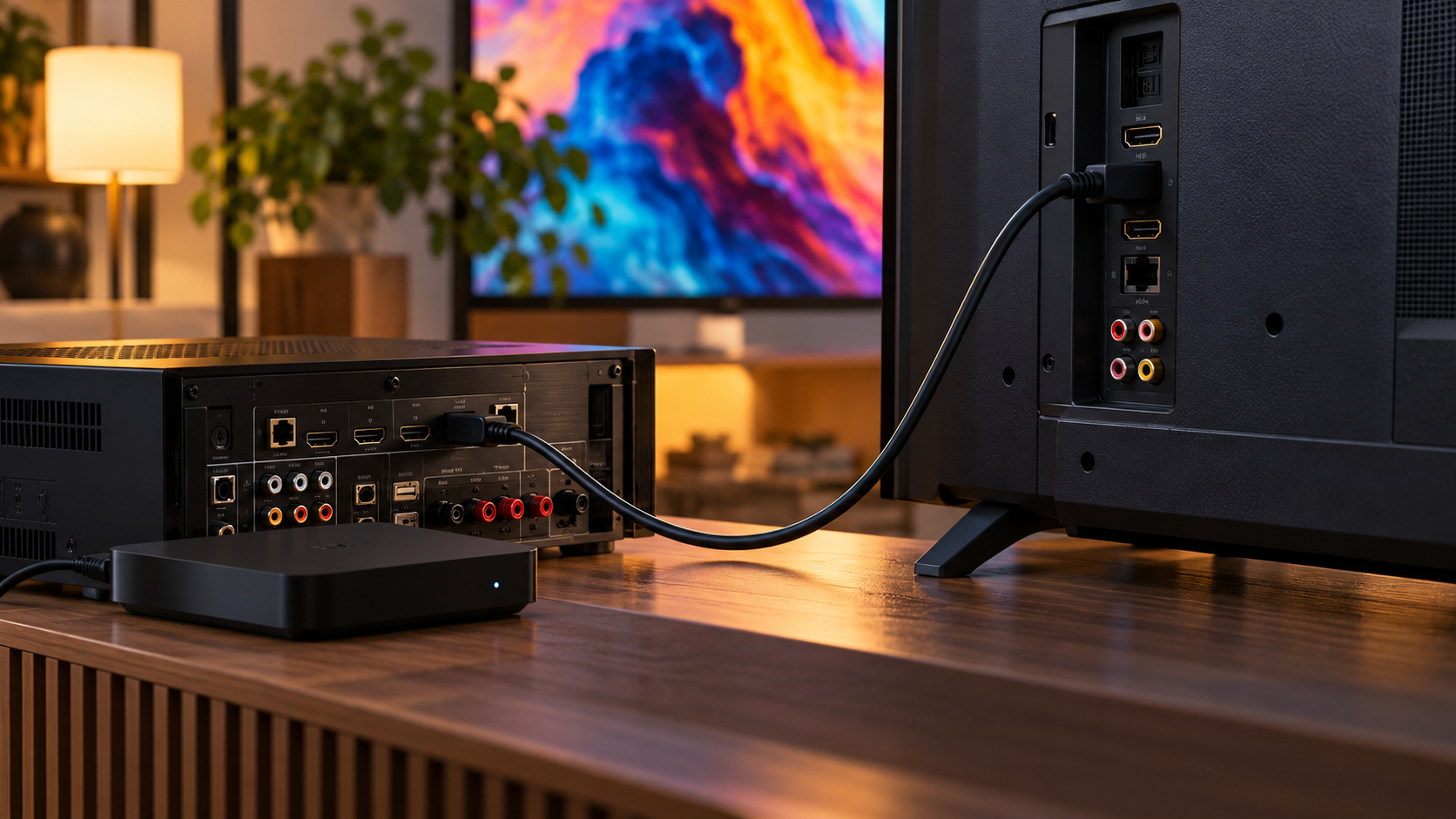
HDMI Video and Audio Explainer
High-Definition Multimedia Interface, or HDMI, carries uncompressed digital video, digital audio, and control information between a source and a display or receiver. A player or computer turns each video frame into a timed stream of pixel values and adds audio samples and auxiliary data. Physical transmitters convert those bits into high-speed differential electrical signals that travel along matched wire pairs. The receiving device recovers the clock, decodes the stream, separates its components, and presents the picture and sound at the intended timing.
Before sending a format, the source learns what the connected device can accept. A small data channel lets the display provide identification and capability information, including supported resolutions, refresh rates, color formats, and audio modes. The source chooses a compatible combination rather than assuming the display supports its maximum output. A television connected through an AV receiver may expose combined capabilities. Incorrect or stale capability information can cause a blank screen, missing audio, limited color, or a conservative fallback resolution.
Video consumes most of the link bandwidth. Resolution, frame rate, bit depth, chroma sampling, and blanking intervals determine the required data rate. Traditional HDMI signaling sends data across three high-speed channels with a related clock; newer high-bandwidth modes use fixed-rate links and different coding. Error detection and link training help establish a reliable path at demanding rates. Cable quality and length matter more as signaling speed rises because loss, reflections, crosstalk, and connector condition shrink the receiver’s electrical margin.
Audio samples are inserted into periods around the active video together with metadata and control packets. The receiver extracts the samples and uses timing information to keep sound synchronized with the image. HDMI can carry uncompressed multichannel audio and compressed bitstreams, depending on what both ends advertise. Audio Return Channel allows a television to send sound in the reverse direction to a receiver or soundbar. Enhanced ARC provides more bandwidth and a more robust control path for advanced audio formats.
Several low-speed functions share the connector. Consumer Electronics Control can send commands such as power or input selection among compatible devices, although manufacturer implementations vary. Hot-plug detection tells the source that a display is present. Content-protection handshakes may authenticate authorized devices and encrypt protected media while it crosses the cable. These mechanisms are separate from the picture itself, so a cable can have electrical connectivity yet still show no protected video if authentication or capability negotiation fails.
HDMI labels describe a set of optional capabilities, not a promise that every port implements every feature. A television may support a high refresh rate on only certain inputs, and a receiver can limit what reaches the display. Active cables, adapters, capture devices, and switches add their own constraints. Troubleshooting therefore starts with the complete path: selected input, port configuration, source format, receiver support, cable rating, and firmware. Lowering bandwidth can reveal whether the failure is a signal-integrity limit rather than an application problem.
The single cable hides a layered conversation. Low-speed channels detect devices and exchange capabilities; the source selects a mode; high-speed pairs serialize picture, sound, and auxiliary data; the receiver reconstructs them; and optional control, return-audio, and content-protection features operate alongside the media. HDMI does not create image or audio quality by itself. Its job is to move the chosen digital representation reliably and keep all participants aware of the formats and protections they have agreed to use.
HDMI carries digital video, audio, timing, and control information over one cable. It connects sources such as consoles or computers to displays, receivers, and capture devices.
The source sends video pixels in an ordered stream together with timing data, while audio is packaged alongside it. The receiving device reconstructs the streams and uses the timing information to keep playback synchronized.
Resolution, refresh rate, color format, cable quality, and feature versions determine what a connection can carry. Copy protection and device compatibility can also affect whether a source and display agree on a mode.
Explore more "Explainers"
Discover additional explainers across politics, science, business, technology, and other fields. Each explainer breaks down a complex idea into clear, everyday language—helping you better understand how major concepts, systems, and debates shape the world around us.