

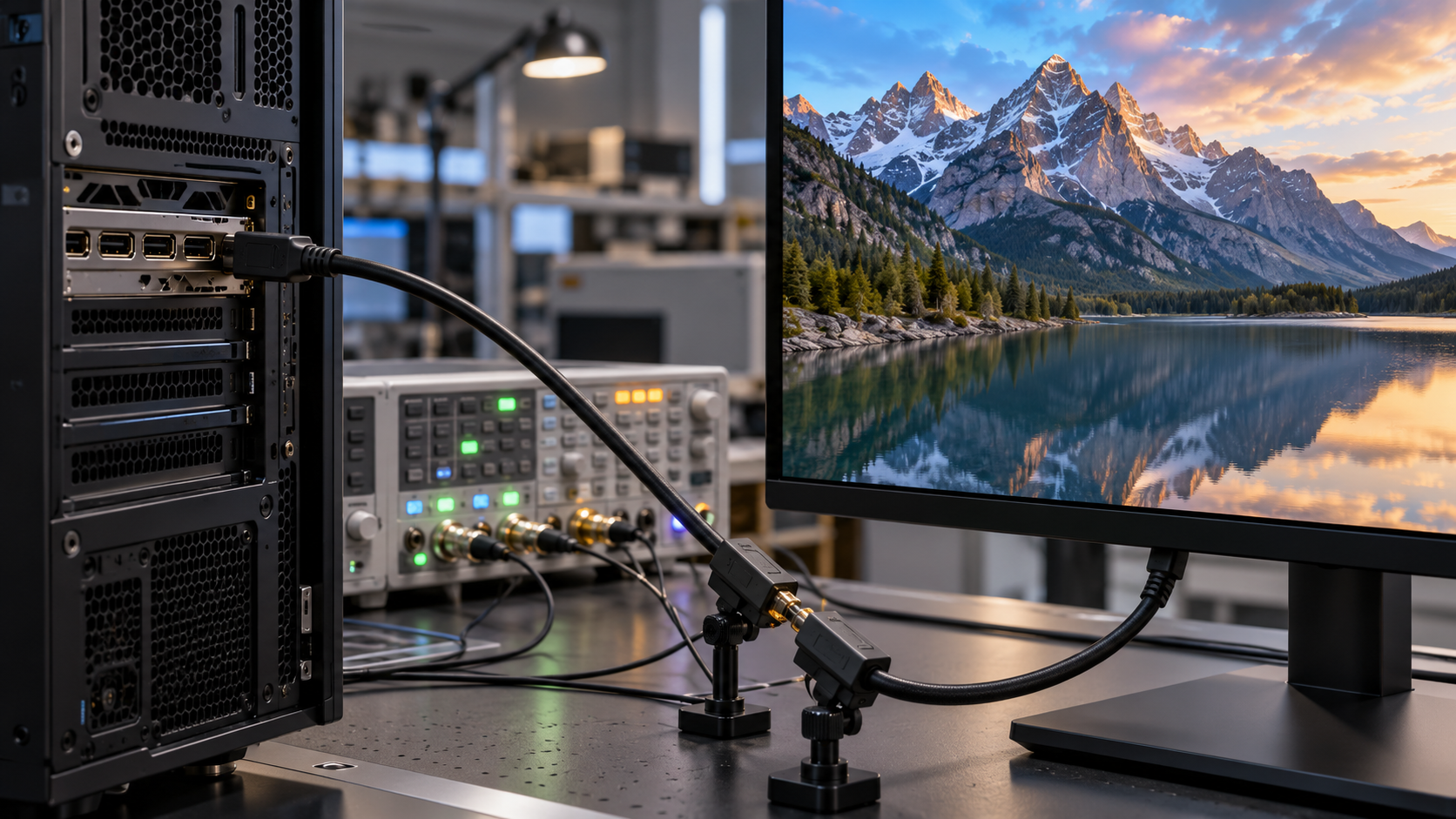
DisplayPort Link Training Explainer
DisplayPort link training is the startup procedure that prepares a digital display connection before normal video travels across it. A computer, called the source, and a monitor, called the sink, are connected by one to four high-speed lanes plus an auxiliary channel. The cable and connectors introduce loss that varies with length, construction, adapters, and link rate. Instead of assuming one electrical setting will work everywhere, the source sends known training patterns and the sink reports what it receives. They converge on a lane count, data rate, and signal conditioning that the physical path can sustain.
The conversation begins over the bidirectional auxiliary channel. The source reads the sink’s DisplayPort Configuration Data to learn supported link rates, lane counts, coding, training features, and display capabilities. It chooses parameters able to carry the desired video format. Four slower lanes or fewer faster lanes may offer similar capacity, but power, compatibility, and cable quality affect the choice. On USB-C DisplayPort Alt Mode, lane availability can also depend on whether some conductors are reserved for simultaneous USB data.
During clock-recovery training, the source transmits a repetitive pattern on each active lane. The sink examines whether it can recover the bit timing and reports lane status. If a lane is marginal, the sink can request more voltage swing or transmitter pre-emphasis within permitted limits. The source updates its transmitter and repeats the pattern. These adjustments compensate for high-frequency loss and reflections, but they cannot rescue a cable whose attenuation or wiring exceeds the specification. Every lane must meet the required condition before training advances.
The next phase focuses on channel equalization and lane alignment. A different training pattern exercises the receiver’s ability to distinguish symbols after the cable has distorted them. The sink checks equalization, symbol lock, and alignment across lanes, then sends status and adjustment requests. Newer link generations use more advanced coding and equalization but preserve the same basic feedback loop. If training succeeds, the source disables the training pattern and begins the main link stream containing video, audio, and related packets.
DisplayPort separates the main high-speed link from display timing. The source packages pixel data into transfer units and schedules it according to available link bandwidth. This allows the physical link to run at standardized rates while carrying many display modes. Display Stream Compression may reduce the needed bandwidth, and Multi-Stream Transport can carry multiple displays through one connection. Those features are negotiated after or around the underlying link setup; none works reliably unless training establishes a clean transport first.
A failed training attempt may trigger a lower link rate, different lane count, or complete restart. The user may see no image, intermittent black screens, sparkles, or a reduced refresh rate. Replugging causes a new detection and training cycle, which is why it can temporarily fix a marginal connection. Docks, adapters, and long cable paths add receivers or repeaters that must participate correctly. Firmware bugs can also misreport capabilities or mishandle adjustment requests even when the cable itself is sound.
The purpose of link training is not to calibrate picture color or resolution. It calibrates the electrical data path. The source proposes a transport, the sink measures recognizable patterns, and feedback tunes the transmitter until clock recovery and equalization are dependable. Only then does the link carry ordinary media. This closed-loop setup lets one interface work across laptops, monitors, docks, and cables with different loss characteristics while still rejecting combinations that cannot provide an acceptably low error rate.
An OLED display uses tiny organic light-emitting diodes that make their own light. Each pixel can be controlled individually, so dark areas do not need a separate backlight.
Electrical current excites layers of organic material that emit red, green, or blue light. The display changes each subpixel’s brightness to create the colors and contrast seen on screen.
Self-emitting pixels enable deep blacks and thin displays, but brightness, efficiency, and long-term wear vary by material and use. Static bright elements can age differently from the rest of the panel over time.
Explore more "Explainers"
Discover additional explainers across politics, science, business, technology, and other fields. Each explainer breaks down a complex idea into clear, everyday language—helping you better understand how major concepts, systems, and debates shape the world around us.